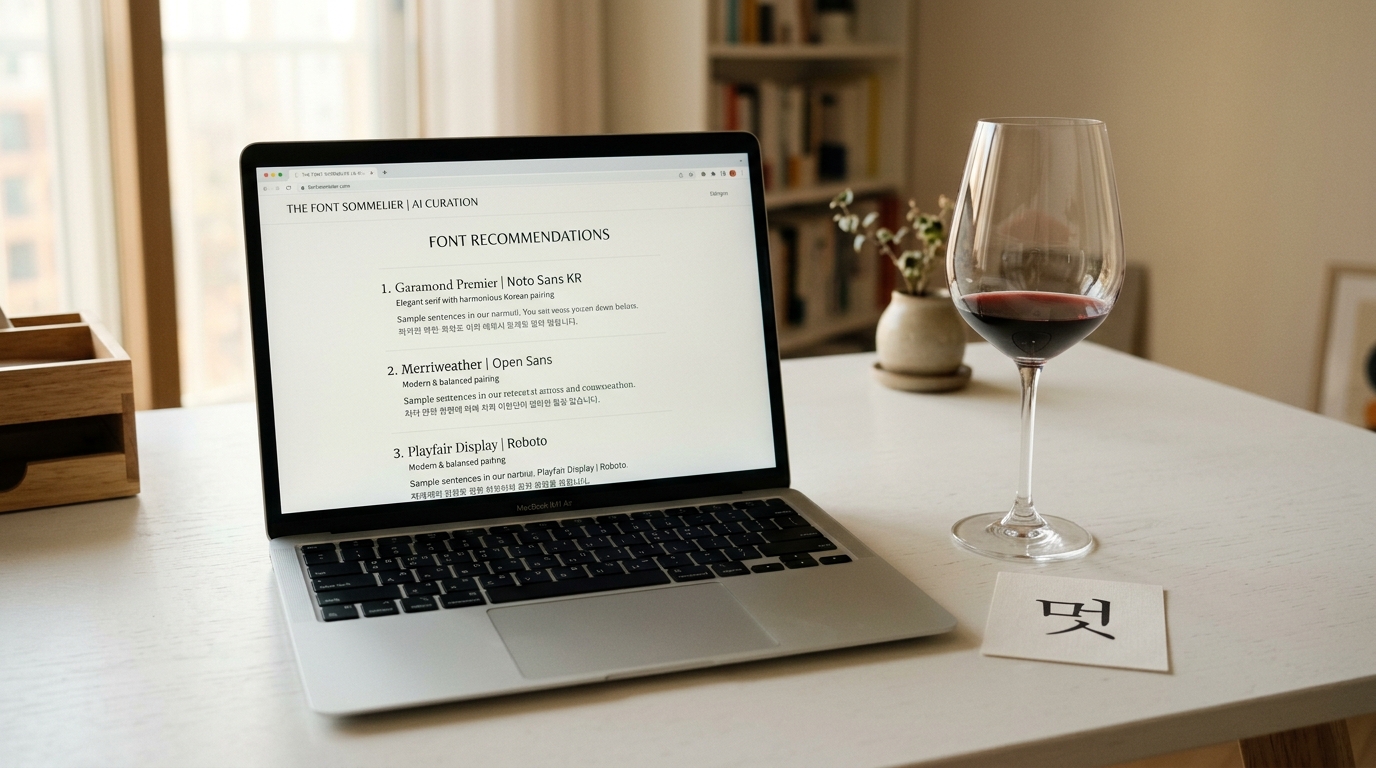
Why Font Recommendations in Your Terminal?
Developers make typography decisions constantly. Whether you're building a landing page, configuring a design system, or setting up CSS for a new project, font selection is an inevitable part of the process.
The typical workflow looks like this: stop coding, open a browser, visit a font site, browse through options, test combinations, copy the CSS, switch back to the editor.
Context switching kills productivity.
What if you could get expert font recommendations — with ready-to-paste CSS code — without ever leaving your terminal?
Introducing the Gulim Font Skill
The Gulim Font Skill is a Claude Code slash command that brings the full power of Gulim's AI Font Sommelier directly into your coding environment.
One command, and you get:
- Curated font recommendations matched to your project's mood
- Ready-to-use CSS/HTML snippets —
@import,font-family, Google Fonts links - A complete design guide — color palette, typography scale, usage tips
- Korean + English pairings — automatically matched for cross-script harmony
Installation
Installing the skill takes one command:
curl -sL https://raw.githubusercontent.com/gykim80/gulim/main/install.sh | bash
This downloads the skill file to ~/.claude/commands/font.md and makes the /font command available in all your Claude Code sessions.
Manual Installation
If you prefer manual setup:
- Create the commands directory:
mkdir -p ~/.claude/commands - Download the skill:
curl -sL https://raw.githubusercontent.com/gykim80/gulim/main/font.md -o ~/.claude/commands/font.md - Restart Claude Code
Usage
Once installed, simply type /font followed by mood keywords describing what you need:
/font warm cafe branding
/font modern minimal tech startup
/font luxury premium beauty brand
/font cute playful children's app
/font formal business report Korean font
The skill understands both English and Korean keywords, so you can mix languages naturally:
/font 따뜻한 카페 브랜딩
/font 미니멀 모던 clean website
What You Get Back
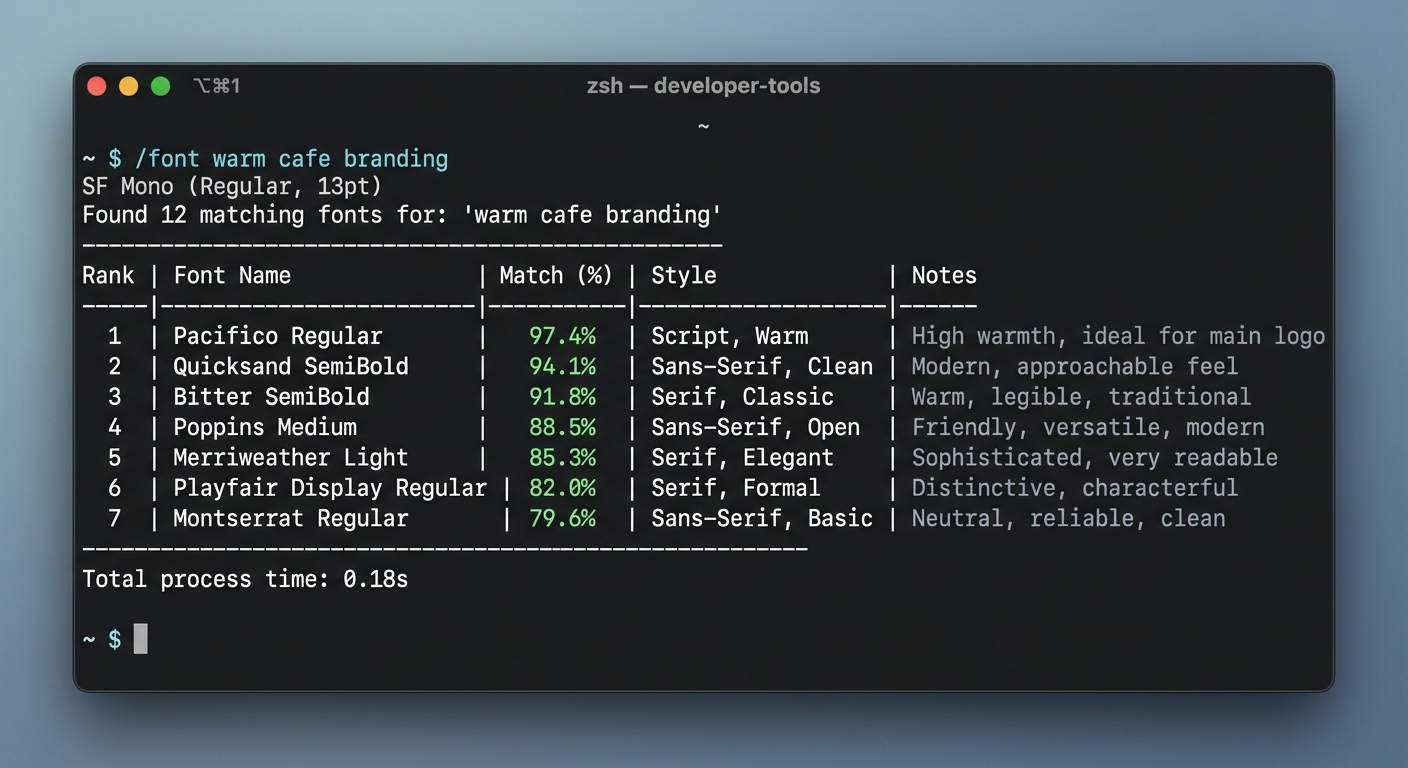
When you run the /font command, the skill calls Gulim's recommendation API and presents the results in a structured, developer-friendly format.
Font Recommendations
The response includes top Korean and English font matches with similarity scores:
🍷 Font Sommelier Recommendations

Korean Fonts:
1. Pretendard (96% match) — Modern, Clean, Minimal
2. SUIT (92% match) — Modern, Geometric
3. Noto Sans KR (89% match) — Versatile, Reliable

English Fonts:
1. Inter (95% match) — Modern, Clean
2. Plus Jakarta Sans (91% match) — Friendly, Modern
CSS Code
Ready-to-paste CSS that you can drop directly into your project:
/* Google Fonts Import */
@import url('https://fonts.googleapis.com/css2?family=Noto+Sans+KR:wght@400;700&family=Inter:wght@400;700&display=swap');

/* Font Family */
body {
  font-family: 'Pretendard', 'Noto Sans KR', sans-serif;
}
h1, h2, h3 {
  font-family: 'Inter', 'Pretendard', sans-serif;
}
Design Guide
A complete typography system tailored to your mood:
- Typography — heading scale (1.25), body size (16px), line height (1.6), letter spacing (normal)
- Color Palette — primary, accent, background, surface, text colors in hex
- Usage Tips — specific advice for applying the recommended fonts in your context
How It Works Under the Hood
The font skill is a Claude Code slash command — a markdown file that instructs Claude on how to process your request.
The Flow
- You type
/font warm cafe branding - Claude parses your keywords against Gulim's 167-keyword mood vocabulary
- Claude calls the Gulim API at
gulim.xyz/api/v1/fonts/recommend - The API returns matched fonts, mood vectors, design guides, and CSS snippets
- Claude formats the results as a developer-friendly response with actionable code
Supported Keywords
The skill recognizes 68 core keywords across Korean and English:
Korean: 따뜻한, 포근한, 부드러운, 캐주얼, 고전적, 전통적, 클래식, 세련된, 우아한, 고급스러운, 럭셔리, 모던, 현대적, 미니멀, 심플, 깔끔, 시원한, 역동적, 강렬한, 재미있는, 귀여운, 레트로, 복고, 미래적, 테크, 손글씨...
English: warm, soft, casual, classic, elegant, luxury, modern, minimal, clean, cool, dynamic, bold, playful, cute, retro, vintage, futuristic, tech, handwriting...
Keywords not in the vocabulary are still passed to the API and returned as keywords_unmatched in the response, so the system gracefully handles unknown inputs.
Usage and Language Filters
The skill also detects context from your input:
| Input contains | Filter applied |
|---|---|
| "heading", "title", "제목" | Heading fonts only |
| "body", "paragraph", "본문" | Body fonts only |
| "Korean", "한글" | Korean fonts only |
| "English", "영문" | English fonts only |
Integration with Your Workflow
Design System Setup
When starting a new project, use the font skill to establish your typography foundation:
/font minimal professional SaaS dashboard
Copy the CSS output directly into your globals.css or Tailwind config, and you have a typographically consistent starting point.
Quick Exploration
Need to compare different moods? Run multiple queries:
/font warm friendly approachable
/font cold precise technical
/font playful creative bold
Each gives you a complete recommendation set, making it easy to compare directions.
Client Presentations
When a client says "make it feel more premium", get concrete typography options instantly:
/font luxury premium elegant sophisticated
Share the font names, CSS code, and color palette as a starting point for the design discussion.
Open Source
The Gulim font skill is fully open source under the MIT license.
The source code is available at github.com/gykim80/gulim.
You can:
- Customize the skill — modify
font.mdto change the output format or add your own preferences - Fork and extend — build on top of the skill for your specific use case
- Contribute — submit improvements back to the community
Get Started
Install the skill now and try it on your current project:
curl -sL https://raw.githubusercontent.com/gykim80/gulim/main/install.sh | bash
Then in Claude Code:
/font [describe your project's mood]
For the full web experience with live previews and interactive exploration, visit Gulim.
To learn more about how the AI recommendation engine works, read our AI Font Sommelier deep dive.